
- Revit
- BIM Automation
- Color by Parameter
- Revit Plugin
- Design Review
Color by Parameter: Visualize Revit models instantly with BIMStudio
Learn how BIMStudio's Color by Parameter plugin helps BIM teams color-code Revit elements by any parameter value for faster design review and QA.
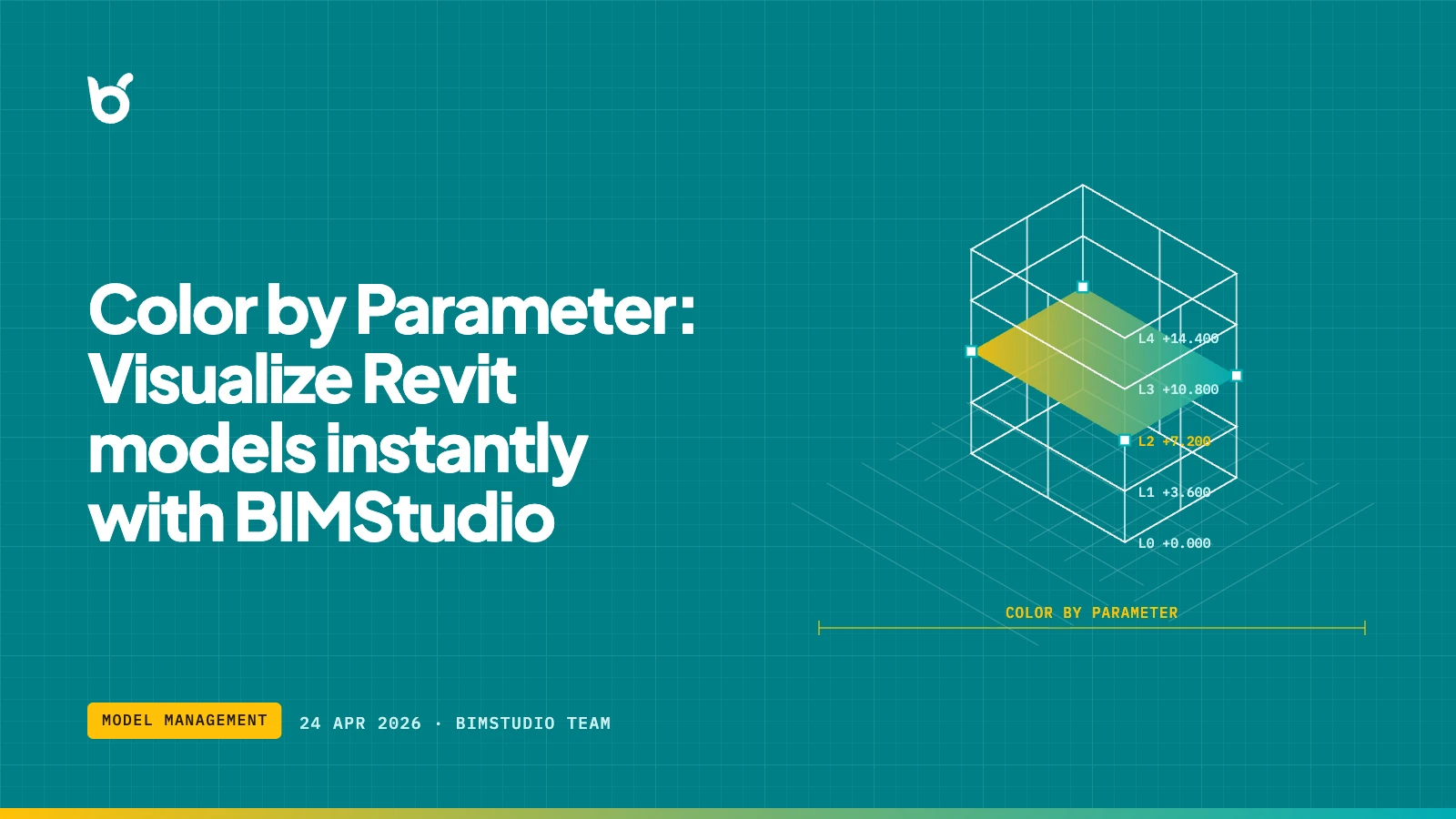
Identifying design issues in a large Revit model takes time. Scrolling through schedules or manually inspecting elements is slow, error-prone, and breaks your flow. Color by Parameter solves this by applying color overrides to every element in a view based on the parameter value you choose.
What Color by Parameter does
Select a parameter — any built-in or shared parameter — and the plugin assigns a distinct color to each unique value across all visible elements. The result is an instant heat map that turns abstract data into something you can see at a glance.
Common use cases:
- Phase verification — color elements by construction phase to spot misassigned work.
- Level audits — confirm elements belong to the correct level before issuing deliverables.
- Material checks — visualize material assignments across structural or architectural elements.
- Workset reviews — identify which elements live on which workset.
- Custom parameter QA — verify that office-standard shared parameters are populated correctly.
How it works
- Open any plan, section, or 3D view in Revit.
- Launch Color by Parameter from the BIMStudio ribbon tab.
- Pick the target parameter from the dropdown.
- Click Apply — every element receives a color override mapped to its parameter value.
- A legend is generated so you can read the mapping without guessing.
No family editing, no view template changes, and no permanent model modifications. The overrides live in the active view and can be cleared in one click.
Why BIM teams use this plugin
Faster coordination meetings
Instead of reading through schedules, open a colored 3D view on screen. Stakeholders see problems immediately, which shortens meeting time and produces clearer action items.
Fewer documentation errors
When you can see that three walls are assigned to the wrong phase, you fix them before they reach the contractor. Visual QA catches what schedule-only reviews miss.
Works with any parameter
Unlike Revit's built-in color schemes, which are limited to specific categories and parameter types, Color by Parameter works across categories and supports shared parameters, project parameters, and type parameters alike.
Typical workflow integration
| Stage | Action | Outcome |
|---|---|---|
| Design development | Color by level and phase | Catch misassigned elements early |
| Coordination | Color by workset | Confirm model ownership before sharing |
| QA before issue | Color by custom parameter | Verify office-standard data is complete |
| Handoff | Color by material | Validate quantity takeoff inputs visually |
Who benefits most
- BIM coordinators running weekly model audits.
- Project architects reviewing design intent against model data.
- Structural engineers checking rebar or material grades across floors.
- BIM managers enforcing office standards on shared parameters.
Get started
Color by Parameter is part of the free BIMStudio Revit plugin collection. Download it from our Revit Plugins page and add it to your Revit ribbon in under a minute. If your team needs a walkthrough, reach out through our contact page — we are happy to help you get set up.