
- Revit
- BIM Automation
- Column From Line
- Revit Plugin
- Structural Engineering
Column From Line: Place Revit columns along lines or at intersections
BIMStudio's Column From Line plugin places structural columns along model lines or at grid intersections automatically, speeding up structural framing layout.
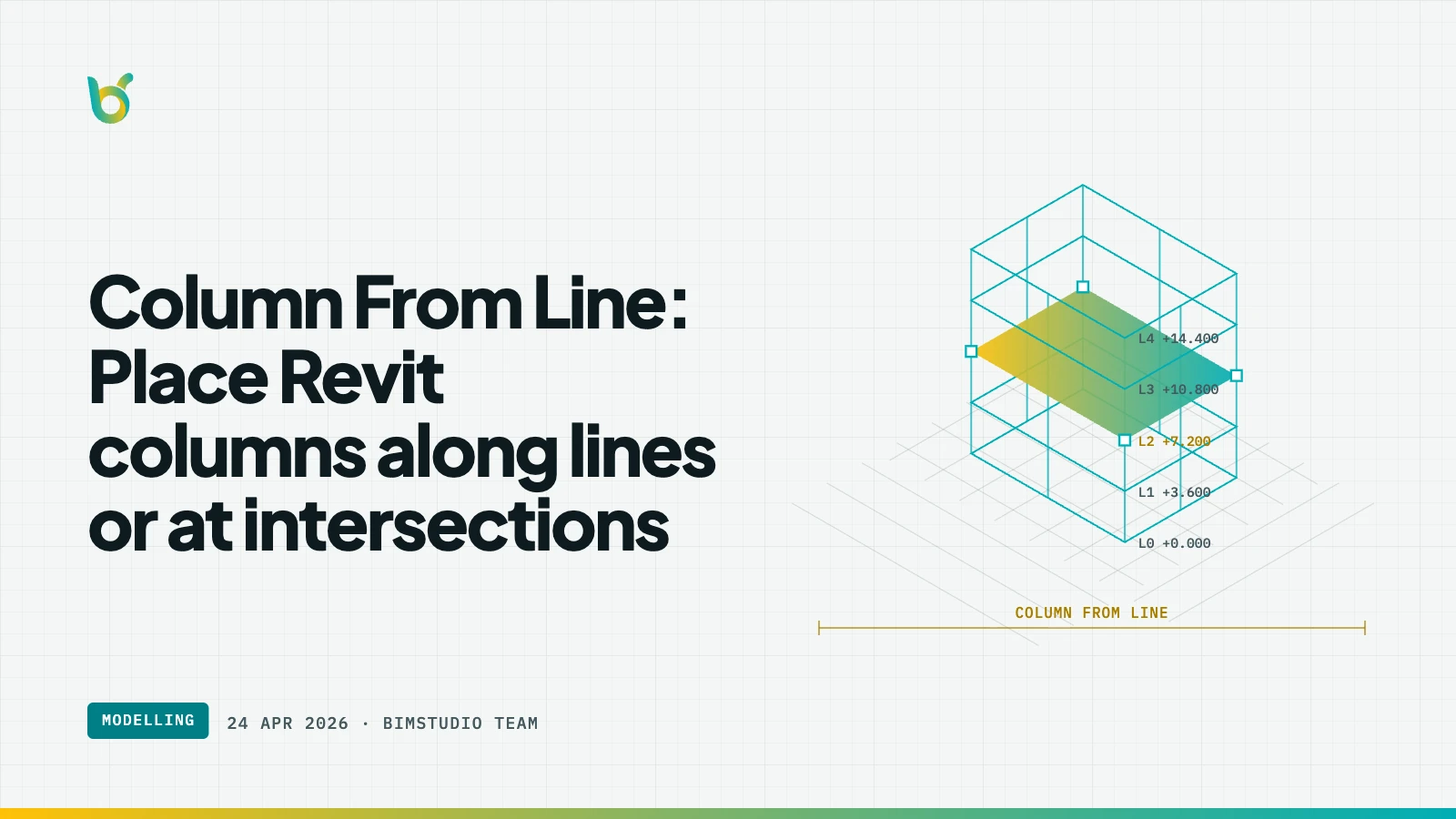
Placing structural columns at every grid intersection in a Revit model is straightforward but slow. A typical floor might have 40–80 column locations, each requiring manual placement and alignment. Column From Line by BIMStudio automates this by placing columns along lines, at grid intersections, or at points you define — turning a multi-hour task into minutes.
What Column From Line does
Select model lines, grid lines, or reference points, and the plugin places structural columns at the specified locations. Columns are placed with the correct type, level constraints, and rotation — ready for structural modeling without manual adjustment.
Key capabilities:
- Grid intersection placement — place columns at every grid-grid intersection automatically.
- Line-based placement — distribute columns along a line at specified spacing.
- Column type selection — choose the structural column family and type before placement.
- Level constraints — set base and top levels for each column.
- Rotation control — align column orientation to grid directions or custom angles.
- Batch placement — place all columns on a floor in a single operation.
How it works
- Define placement locations: select grid lines, model lines, or points.
- Open Column From Line from the BIMStudio ribbon tab.
- Choose column type, base level, top level, and rotation.
- Click Place — columns appear at every specified location.
- Verify placement in 3D or plan view.
Why structural teams use Column From Line
Rapid structural layout
The initial column grid is one of the first modeling tasks in a structural project. Column From Line gets it done in minutes, letting the team move on to beams and slabs faster.
Consistent placement
Manual column placement often results in slight offsets from grid centers. The plugin snaps columns precisely to grid intersections, eliminating alignment errors.
Easy design iteration
When the structural grid changes during design development, Column From Line lets you re-place the entire column layout quickly rather than adjusting columns one at a time.
Who benefits most
- Structural engineers laying out column grids for new buildings.
- BIM modelers placing columns from reference geometry or CAD grids.
- Design teams iterating on structural layouts during schematic design.
- Anyone who has placed 60 columns one at a time in Revit.
Get started
Column From Line is part of the free BIMStudio Revit plugin collection. Download it from our Revit Plugins page and place your entire column grid in minutes.