
- Revit
- BIM Automation
- Divide Floor
- Revit Plugin
- Architecture
Divide Floor: Split Revit floors by room or grid boundaries
BIMStudio's Divide Floor plugin splits large Revit floor slabs into smaller segments by room boundaries or grid lines, enabling per-zone quantity takeoff.
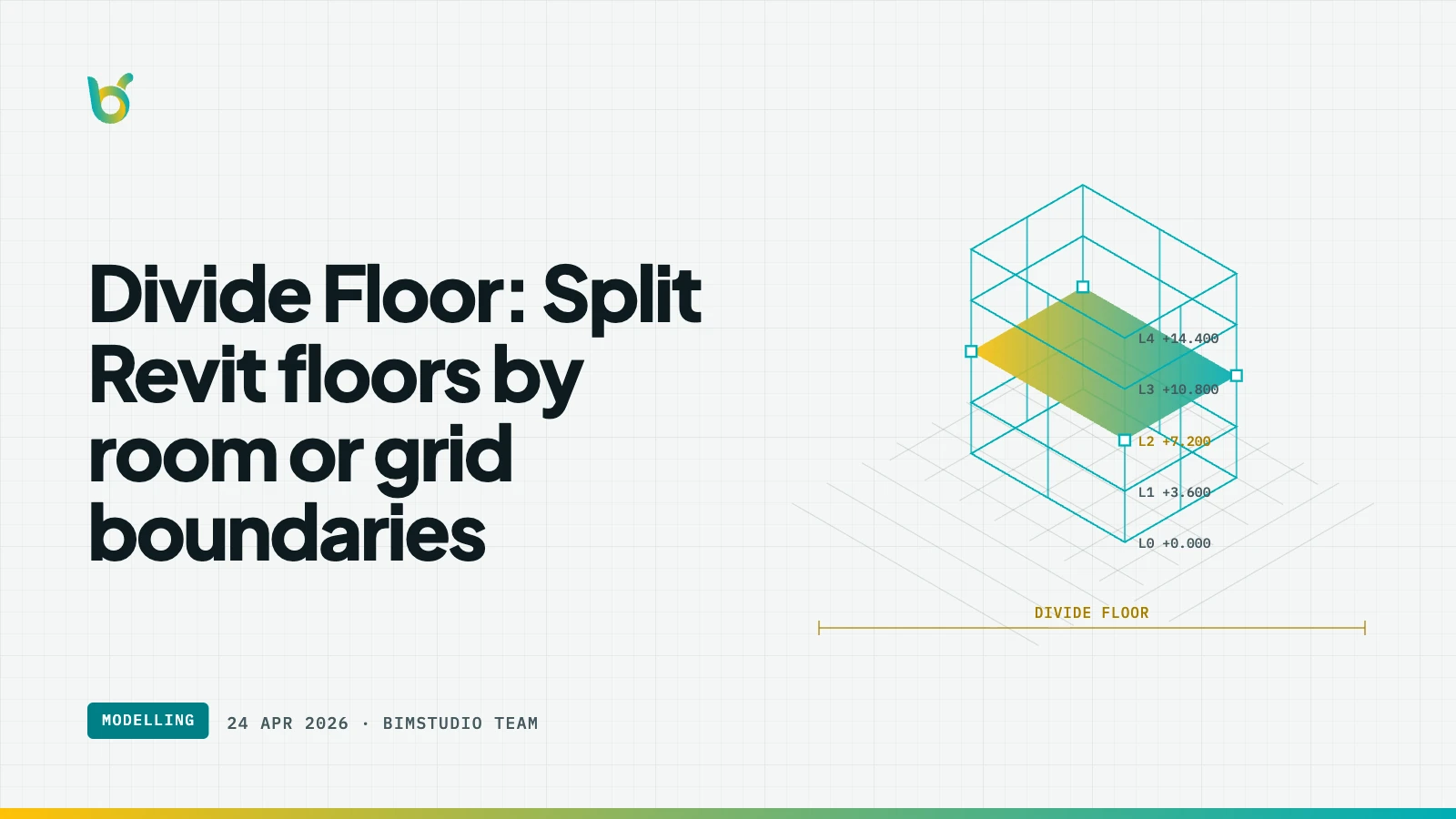
Large floor slabs in Revit are modeled as single elements spanning an entire level. But construction, cost estimation, and scheduling often require quantities broken down by room, zone, or grid section. Divide Floor by BIMStudio splits floor elements along room boundaries or grid lines, creating separate floor segments that can be scheduled and quantified independently.
What Divide Floor does
The plugin takes a floor slab and divides it into smaller floor elements based on the boundaries you choose — room separations, grid lines, or custom split lines. Each resulting segment is a standalone floor element with its own area, volume, and parameter values.
Key capabilities:
- Room-based splitting — divide floors along room boundaries for per-room area schedules.
- Grid-based splitting — split floors at grid intersections for structural zone quantities.
- Area preservation — total area after splitting equals the original floor area.
- Independent elements — each segment can have different materials or parameters.
- Batch processing — split multiple floors across levels in one operation.
How it works
- Select the floor slab to divide.
- Open Divide Floor from the BIMStudio ribbon tab.
- Choose the split method: by room boundaries, by grid lines, or custom.
- Click Divide — the floor is split into separate elements.
- Verify in a schedule that per-zone quantities are now available.
Why teams use Divide Floor
Per-room area schedules
When a single floor slab spans 20 rooms, the schedule shows one area value for the entire slab. After dividing, each room gets its own floor area in the schedule — essential for finish material takeoff.
Zone-based cost estimation
Construction cost estimation often works by zone or grid section. Divided floors give quantity surveyors the granularity they need without manual area calculations.
Phased construction planning
When different zones of a floor are poured at different times, divided floors let you assign different phases to each segment.
Who benefits most
- Quantity surveyors needing per-room or per-zone floor quantities.
- Architects producing finish material schedules by room.
- Project planners assigning construction phases to floor zones.
- BIM modelers who need granular floor data without redrawing.
Get started
Divide Floor is part of the free BIMStudio Revit plugin collection. Download it from our Revit Plugins page and split your floors for precise, zone-level quantity takeoff.