
- Revit
- BIM Automation
- Duplicate Sheet
- Revit Plugin
- Documentation
Duplicate Sheet: Clone Revit sheets with all views and annotations
BIMStudio's Duplicate Sheet plugin copies entire Revit sheets including placed views, title blocks, and annotations, saving hours of manual sheet setup.
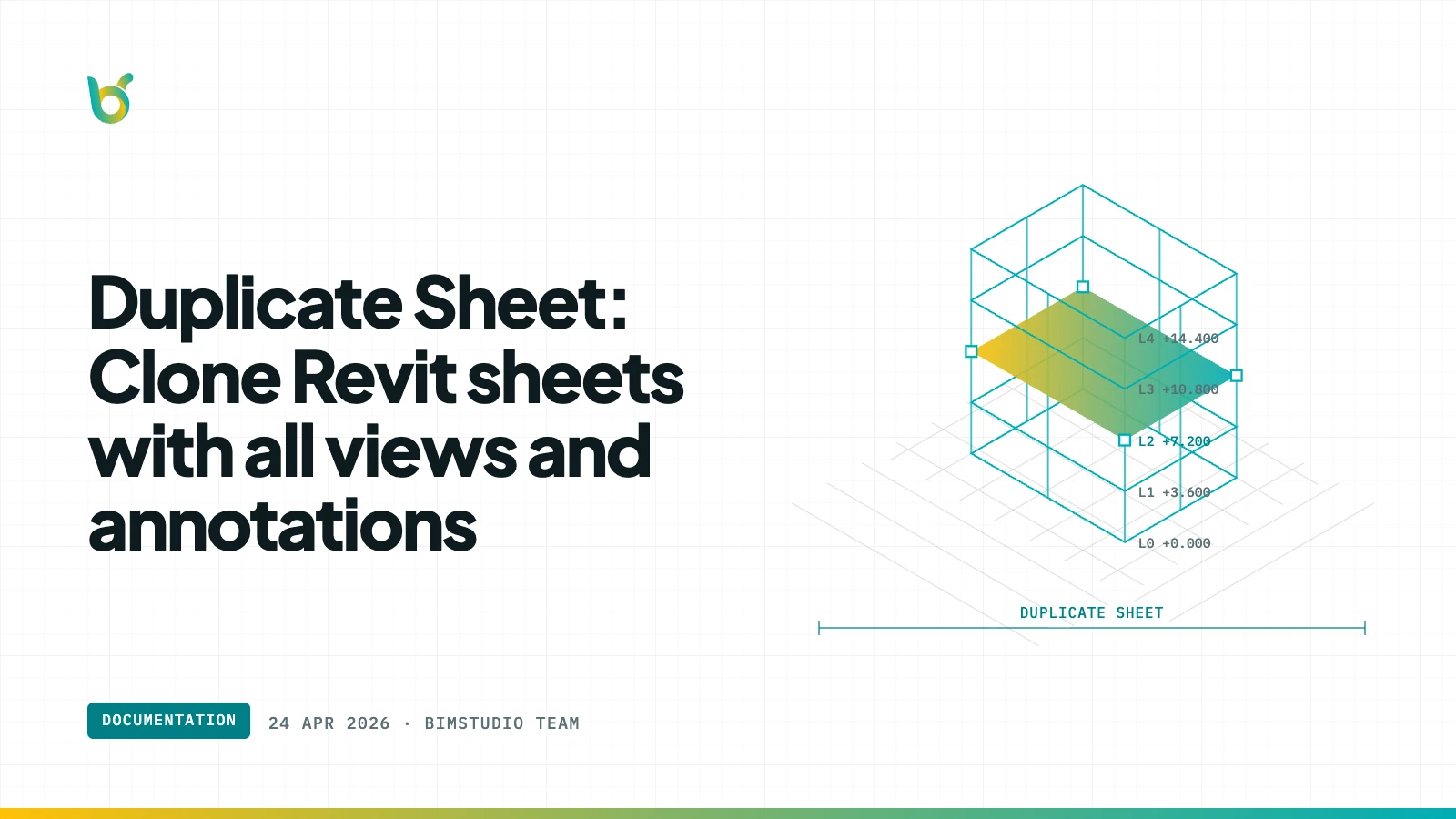
Creating a new sheet in Revit means placing views, positioning annotations, adding title block data, and arranging everything to match your office standard. When you need 20 similar sheets — one per floor, one per zone — that setup work multiplies fast. Duplicate Sheet by BIMStudio clones an entire sheet including its placed views, annotations, and layout in a single operation.
What Duplicate Sheet does
Select a source sheet and the plugin creates a complete copy — new sheet, duplicated views placed in the same positions, annotations preserved, and title block information carried over. The result is a ready-to-edit sheet that matches the original layout exactly.
Key capabilities:
- Full sheet clone — duplicates the sheet, its views, and all annotations.
- View duplication options — choose to duplicate views as independent copies or as dependent views.
- Title block carry-over — sheet name, number, and custom title block parameters are preserved.
- Annotation placement — text notes, dimensions, and detail items maintain their positions.
- Batch duplication — clone multiple sheets at once for multi-floor or multi-zone projects.
How it works
- Select the source sheet in the Project Browser.
- Open Duplicate Sheet from the BIMStudio ribbon tab.
- Configure: new sheet number, view duplication mode, and naming convention.
- Click Duplicate — a new sheet appears with all views and annotations in place.
Why BIM teams use Duplicate Sheet
Hours saved on sheet creation
Setting up a single sheet with properly placed views, annotations, and title block data can take 15–30 minutes. For a 20-story project needing a sheet per floor, Duplicate Sheet saves an entire day of setup work.
Consistent layouts
When sheets are set up manually, view positions drift between sheets. Duplicate Sheet ensures every sheet matches the template layout exactly, producing professional-looking deliverables.
Easier multi-floor documentation
Most building projects have repetitive floor plans, sections, and details that follow the same sheet layout. Duplicate Sheet makes creating the full sheet set straightforward.
Who benefits most
- BIM modelers setting up sheet sets for documentation.
- Drafters producing multi-floor drawing packages.
- Project architects who need consistent sheet layouts across deliverables.
- BIM managers standardizing documentation workflows.
Get started
Duplicate Sheet is part of the free BIMStudio Revit plugin collection. Download it from our Revit Plugins page and stop rebuilding sheets from scratch.