
- Revit
- BIM Automation
- Formwork Area
- Revit Plugin
- Quantity Takeoff
Formwork Area: Calculate concrete formwork quantities in Revit
BIMStudio's Formwork Area plugin extracts accurate formwork surface areas from Revit structural elements, speeding up quantity takeoff and cost estimation.
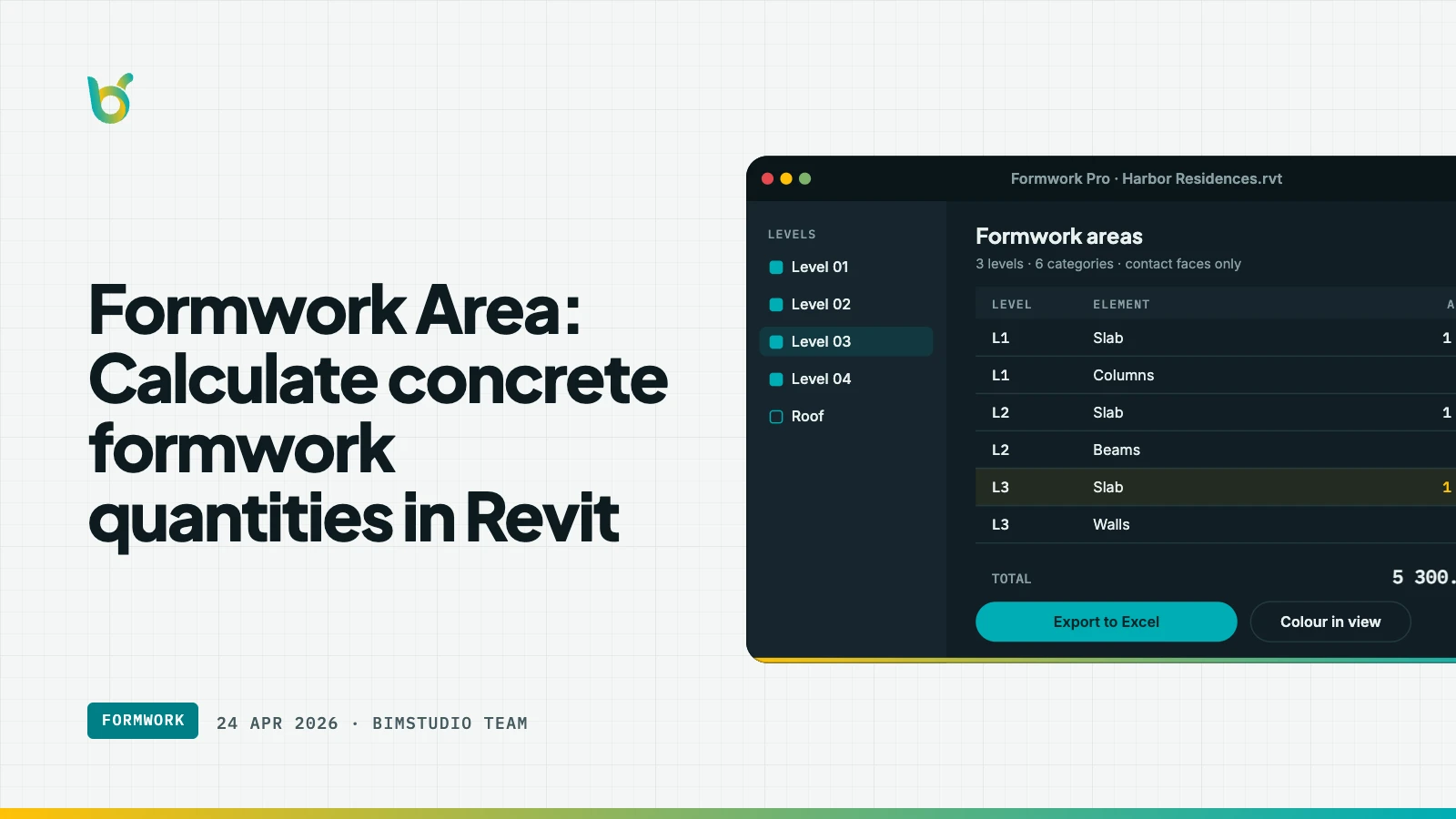
Formwork is one of the largest cost items in reinforced concrete construction. Yet calculating formwork area in Revit has always been awkward — the model stores volume and surface area for elements, but not the specific faces that need formwork. Formwork Area by BIMStudio solves this by computing the exact contact area that requires formwork for beams, columns, slabs, and walls.
What Formwork Area does
The plugin analyzes the geometry of structural concrete elements and calculates the surface area where formwork panels will be placed. It excludes faces that are embedded in other elements (such as the top of a beam touching a slab) and reports only the exposed formwork contact area.
Key capabilities:
- Per-element calculation — formwork area computed for each beam, column, slab, or wall individually.
- Embedded face exclusion — automatically detects where elements intersect and subtracts non-formwork surfaces.
- Parameter write-back — writes the calculated area to a shared parameter on each element for scheduling.
- Batch processing — run the calculation across an entire level or selection in one operation.
- Schedule-ready output — the parameter value integrates directly into Revit schedules and quantity reports.
How it works
- Select structural elements or choose an entire level.
- Open Formwork Area from the BIMStudio ribbon tab.
- Configure the target parameter where the area should be written.
- Click Calculate — the plugin processes each element and writes the formwork area value.
- Open a schedule to see the results, or export for cost estimation.
The calculation respects element geometry as modeled. If a beam is partially embedded in a wall, only the exposed faces count toward the formwork area.
Why construction teams use this plugin
Accurate cost estimation
Formwork typically represents 30–40% of a concrete structure's cost. An error of even 5% in formwork quantity leads to significant budget variance. Formwork Area gives you model-derived numbers instead of manual estimates.
Faster quantity takeoff
Without this plugin, quantity surveyors either estimate formwork from 2D drawings or manually calculate face areas from the 3D model. Both approaches are slow and error-prone. The plugin automates the process and writes results directly to the model.
Data stays in the model
Because the formwork area is written to a Revit parameter, it travels with the element. Schedules, exports, and downstream tools all see the same value. There is no external spreadsheet to keep in sync.
Comparison: manual vs. automated
| Aspect | Manual calculation | With Formwork Area |
|---|---|---|
| Time per floor | 4–8 hours | 5–10 minutes |
| Accuracy | Depends on estimator | Geometry-derived |
| Embedded faces | Often missed or guessed | Auto-excluded |
| Data location | External spreadsheet | Revit parameter |
| Schedule integration | Manual entry | Automatic |
Who benefits most
- Quantity surveyors building cost estimates from BIM models.
- Project managers tracking concrete cost metrics.
- Contractors preparing formwork procurement schedules.
- Structural engineers reporting on construction quantities.
Get started
Formwork Area is part of the free BIMStudio Revit plugin collection. Download it from our Revit Plugins page and bring model-based formwork quantities into your next project.