
- Revit
- BIM Automation
- Location By Grid
- Revit Plugin
- Coordination
Location By Grid: Tag Revit elements with their grid intersection
BIMStudio's Location By Grid plugin automatically writes grid intersection coordinates to element parameters, making schedules and reports location-aware.
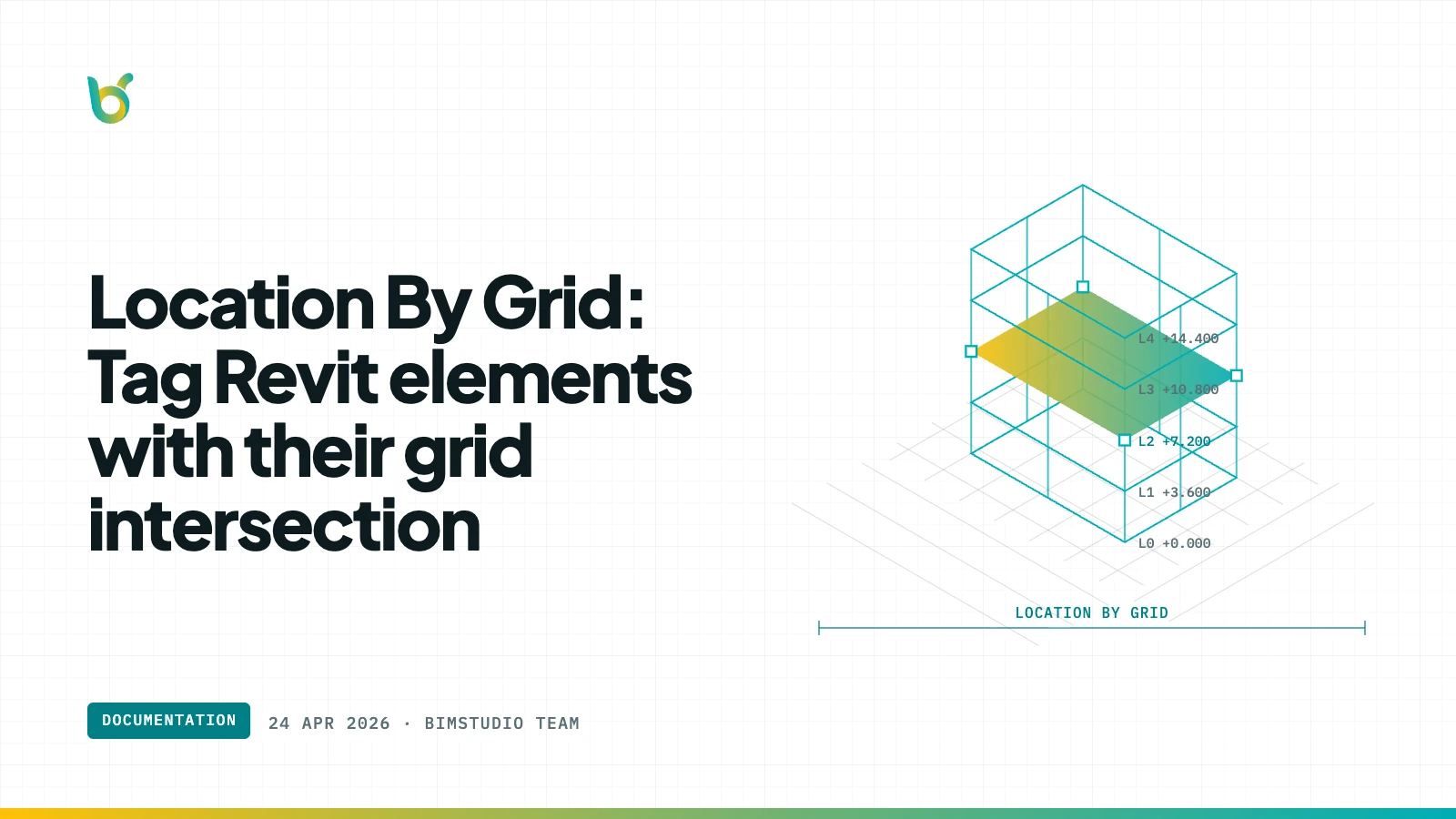
Knowing where an element sits in the building is essential for coordination, procurement, and construction planning. But Revit does not automatically write grid intersection data to element parameters. Location By Grid by BIMStudio fills that gap — it reads each element's position, determines the nearest grid intersection, and writes the location (e.g., "A-3" or "B/2-3") to a parameter you choose.
What Location By Grid does
The plugin analyzes the position of selected elements relative to the structural grid system and writes a human-readable grid reference to a shared or project parameter. The result is location data that shows up in schedules, tags, and exports without manual entry.
Key capabilities:
- Automatic grid detection — finds the nearest grid lines for each element.
- Parameter write-back — stores the grid reference in a parameter of your choice.
- Batch processing — tag hundreds of elements with grid locations in one run.
- Custom format — configure how the grid reference is formatted (e.g., "A-3", "A/3", "Grid A, Line 3").
- Multi-category support — works with columns, beams, equipment, doors, walls, and more.
How it works
- Select elements or choose an entire category.
- Open Location By Grid from the BIMStudio ribbon tab.
- Choose the target parameter where the grid reference should be written.
- Click Run — each element receives its grid intersection value.
- Open a schedule to see location data populated automatically.
Why BIM teams use Location By Grid
Location-aware schedules
A door schedule that says "Door D-101, Grid B-4, Level 2" is far more useful on a construction site than one that only says "Door D-101, Level 2". Location By Grid adds that context automatically.
Procurement and logistics
When ordering equipment or materials, knowing the grid location helps logistics teams plan delivery routes and staging areas within the building.
Faster coordination
During coordination meetings, referencing elements by grid intersection ("the duct at C-5") is faster and less ambiguous than describing locations verbally.
Common use cases
| Category | Parameter written | Benefit |
|---|---|---|
| Structural columns | Grid location | Column schedules with positions |
| Doors | Nearest grid | Site teams find doors by grid |
| Equipment | Grid zone | Procurement knows delivery location |
| Beams | Span grids | Beam schedules reference grid lines |
Who benefits most
- BIM coordinators preparing schedules with location context.
- Site engineers who need grid references on deliverables.
- Procurement teams planning delivery by building zone.
- Anyone who has manually typed grid locations into Revit parameters.
Get started
Location By Grid is part of the free BIMStudio Revit plugin collection. Download it from our Revit Plugins page and add automatic grid references to your Revit elements.