
- Revit
- BIM Automation
- Top Bar
- Revit Plugin
- Structural Engineering
Top Bar: Place negative moment reinforcement in Revit beams
BIMStudio's Top Bar plugin automates placement of top reinforcement at beam supports in Revit, handling bar lengths, anchorage, and cutoff points accurately.
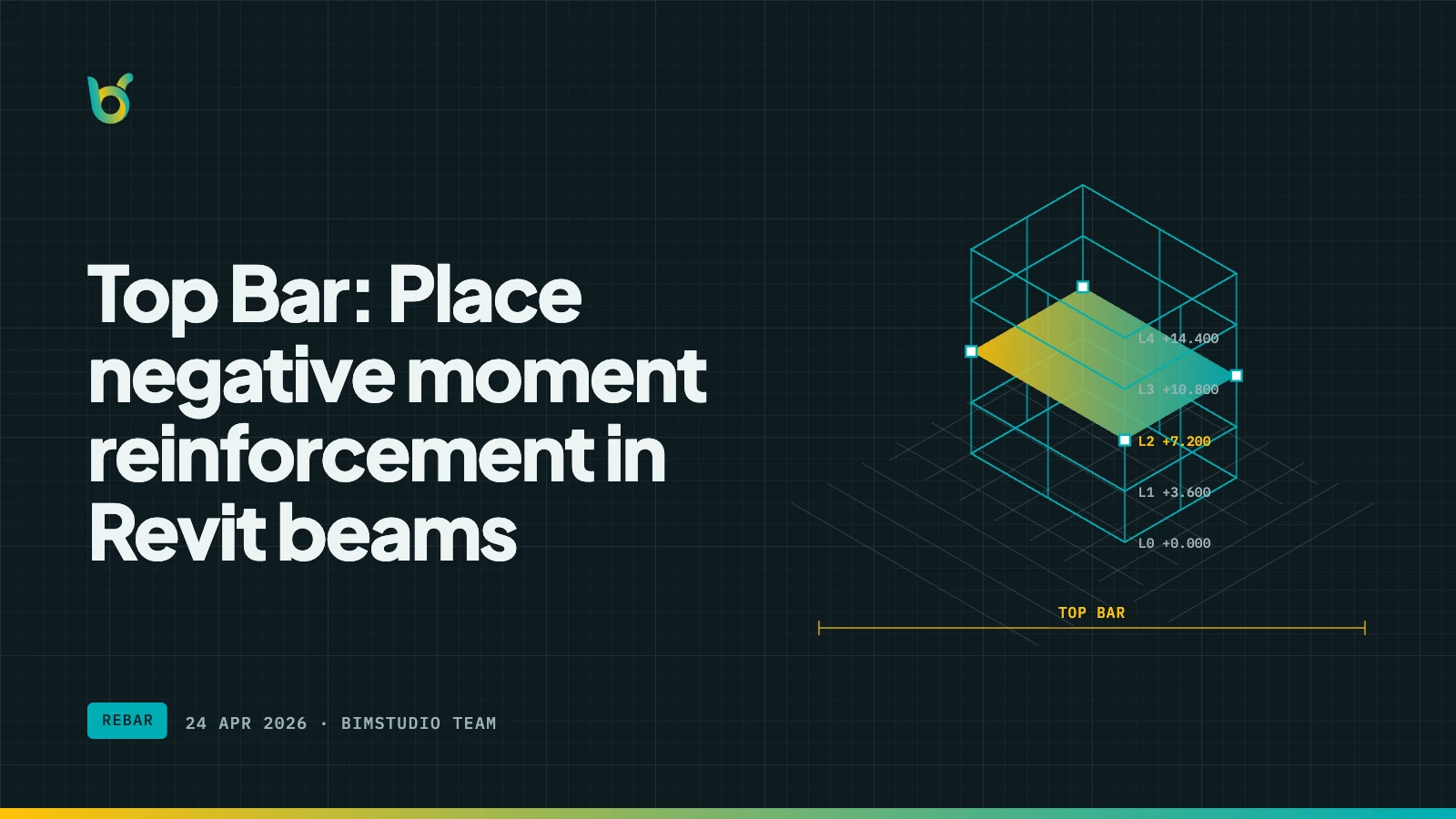
At every beam support, negative bending moment requires reinforcement at the top of the section. These top bars (also called negative moment reinforcement) run over columns and extend a calculated length into each span. Getting the bar length, anchorage, and cutoff position right is tedious to model manually — and errors here affect structural integrity. Top Bar by BIMStudio places this reinforcement accurately and automatically.
What Top Bar does
Top Bar generates the reinforcement bars that sit at the top of beams over supports. It reads the beam geometry, identifies support locations, and places bars with the correct development length, extension into spans, and anchorage hooks.
Key capabilities:
- Support detection — automatically identifies column-beam intersections and span boundaries.
- Development length — calculates bar extension into each span based on your configured rules.
- Anchorage hooks — adds standard hooks at bar terminations where required.
- Bar diameter selection — choose the bar size that matches your structural design.
- Continuous beam handling — places top bars correctly across multi-span beams with varying support conditions.
- Batch processing — reinforce multiple beams at once.
How it works
- Select beams that need top reinforcement.
- Open Top Bar from the BIMStudio ribbon tab.
- Configure: bar diameter, extension length, hook type, and cover.
- Click Place — the plugin locates each support and generates top bars with proper geometry.
- Verify in section views that bar placement matches the structural intent.
Like all BIMStudio rebar tools, the output is native Revit Rebar — fully schedulable, taggable, and IFC-exportable.
Why structural teams use Top Bar
Correct bar lengths from the start
The length of a top bar depends on the span it covers, the structural system, and code requirements for development length. Manual placement often leads to bars that are too short (structurally unsafe) or too long (material waste). Top Bar derives lengths from the actual model geometry.
Complementary to Main Bar
Top Bar is designed to work alongside Main Bar. Main Bar handles the primary longitudinal reinforcement in the bottom and mid-layers, while Top Bar handles the negative moment reinforcement at supports. Together they produce a complete beam reinforcement model.
Reduced shop drawing revisions
When top bars are modeled accurately in Revit, the information that goes to shop drawings is correct the first time. Fewer revision cycles mean faster project delivery and lower documentation costs.
Where top bars are placed
| Location | Bar behavior | Plugin handling |
|---|---|---|
| Interior support | Bar extends into both adjacent spans | Symmetric extension based on span ratio |
| End support (column) | Bar extends into span with end hook | Hook at column face, extension into span |
| End support (wall) | Bar extends into span with anchorage | Straight bar or hook depending on wall depth |
| Cantilever | Bar extends full cantilever length plus anchorage | Continuous bar with development length |
Typical workflow with Main Bar and Top Bar
- Model structural beams in Revit.
- Run Main Bar to place bottom longitudinal reinforcement.
- Run Top Bar to place negative moment reinforcement at supports.
- Add stirrups (using Column Rebar or manual placement for beams).
- Review the complete reinforcement in 3D.
- Generate rebar schedules and shop drawings.
This two-step process covers the majority of beam reinforcement in under 30 minutes per floor.
Who benefits most
- Structural engineers detailing beam reinforcement for construction.
- BIM modelers producing rebar models that match the structural design intent.
- QA reviewers who need to verify negative moment reinforcement compliance.
- Design offices standardizing their Revit rebar workflow.
Get started
Top Bar is part of the free BIMStudio Revit plugin collection. Download it from our Revit Plugins page and complete your beam reinforcement workflow with accurate top bar placement.