
- Revit
- BIM Automation
- Floor From Line
- Revit Plugin
- Modeling
Floor From Line: Create Revit floors from boundary lines instantly
BIMStudio's Floor From Line plugin generates Revit floor elements from detail lines or model lines, turning 2D boundaries into 3D floor slabs in one click.
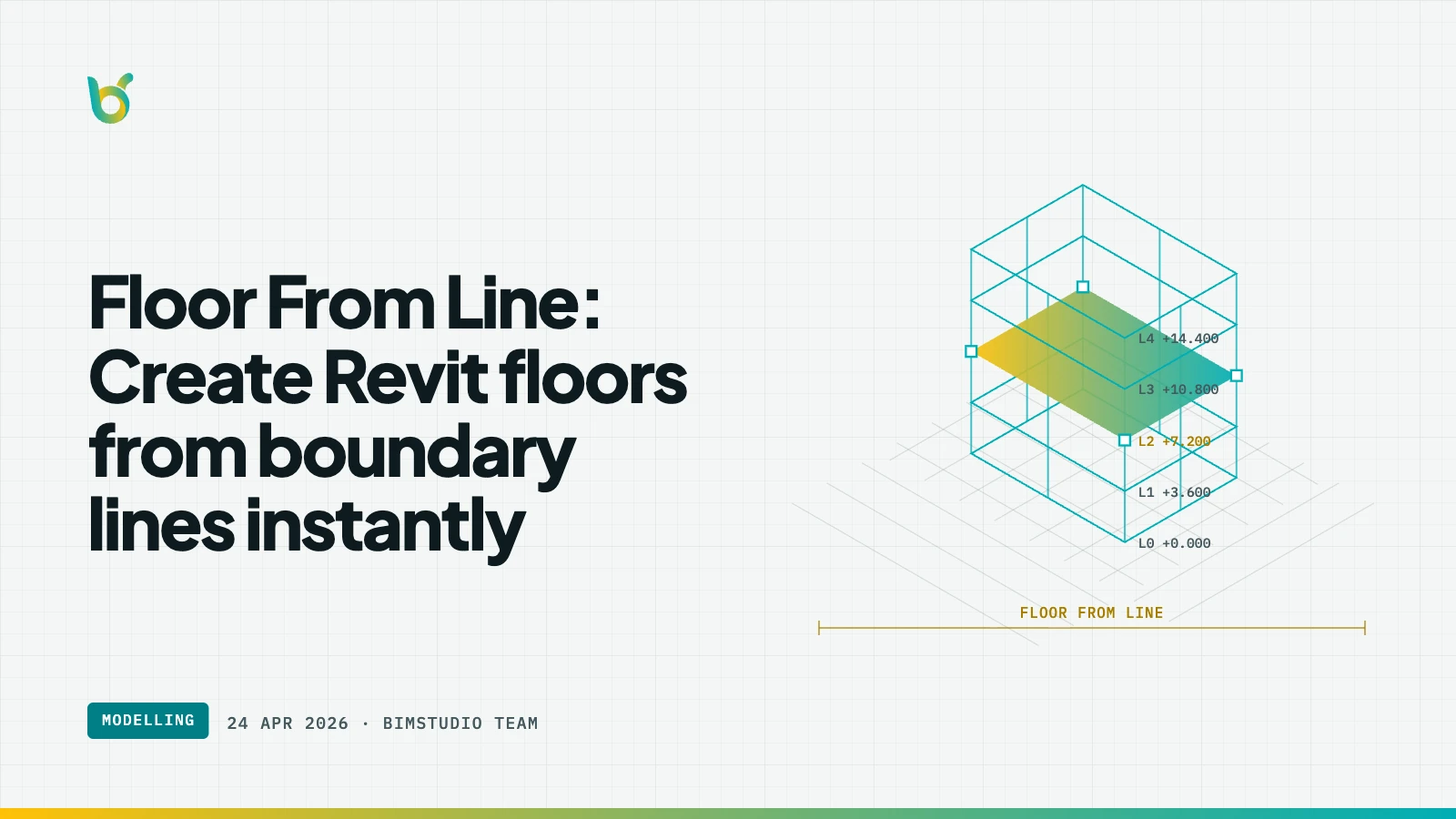
Drawing floor boundaries in Revit means tracing the outline point by point using the floor sketch tool. When you already have boundary lines — from a CAD import, from room boundaries, or from model lines — redrawing them as floor sketches is redundant work. Floor From Line by BIMStudio creates floor elements directly from existing lines, skipping the sketch step entirely.
What Floor From Line does
Select closed boundary lines (detail lines, model lines, or converted CAD linework) and the plugin creates a floor slab using those lines as the floor boundary. The result is a native Revit floor element with the correct outline, ready for type assignment and scheduling.
Key capabilities:
- Line-to-floor conversion — creates floors from closed line boundaries.
- Multiple line types — works with detail lines, model lines, and room separation lines.
- Floor type selection — choose the floor type before creation.
- Level assignment — assign the floor to the correct level.
- Batch creation — create multiple floors from multiple boundary sets at once.
How it works
- Draw or select closed boundary lines in the plan view.
- Open Floor From Line from the BIMStudio ribbon tab.
- Choose the floor type and level.
- Click Create — floor slabs are generated from the line boundaries.
Why BIM teams use Floor From Line
Faster floor modeling
Tracing floor boundaries over existing lines is double work. Floor From Line uses the lines you already have, cutting floor creation time in half.
Seamless CAD-to-BIM workflow
After converting CAD linework with Cad To Line, use Floor From Line to turn those boundaries into actual floor elements — a complete CAD-to-BIM pipeline.
Accurate boundaries
When lines come from room boundaries or precise CAD geometry, the floor boundaries are inherently accurate. No manual tracing means no tracing errors.
Who benefits most
- BIM modelers creating floor slabs from reference geometry.
- Architects converting design sketches into modeled floors.
- Structural engineers modeling floor slabs from grid-aligned boundaries.
- Anyone who has spent time tracing floor outlines over existing lines.
Get started
Floor From Line is part of the free BIMStudio Revit plugin collection. Download it from our Revit Plugins page and create floors from boundary lines in one click.