
- Revit
- Formwork
- BIM
- Construction Planning
- Site Management
BIM-Based Formwork Planning: From Revit Model to Construction Site
Bridge the gap between BIM modeling and site formwork planning. Learn how accurate formwork data from Revit drives procurement, reuse scheduling, and labor planning on real construction projects.
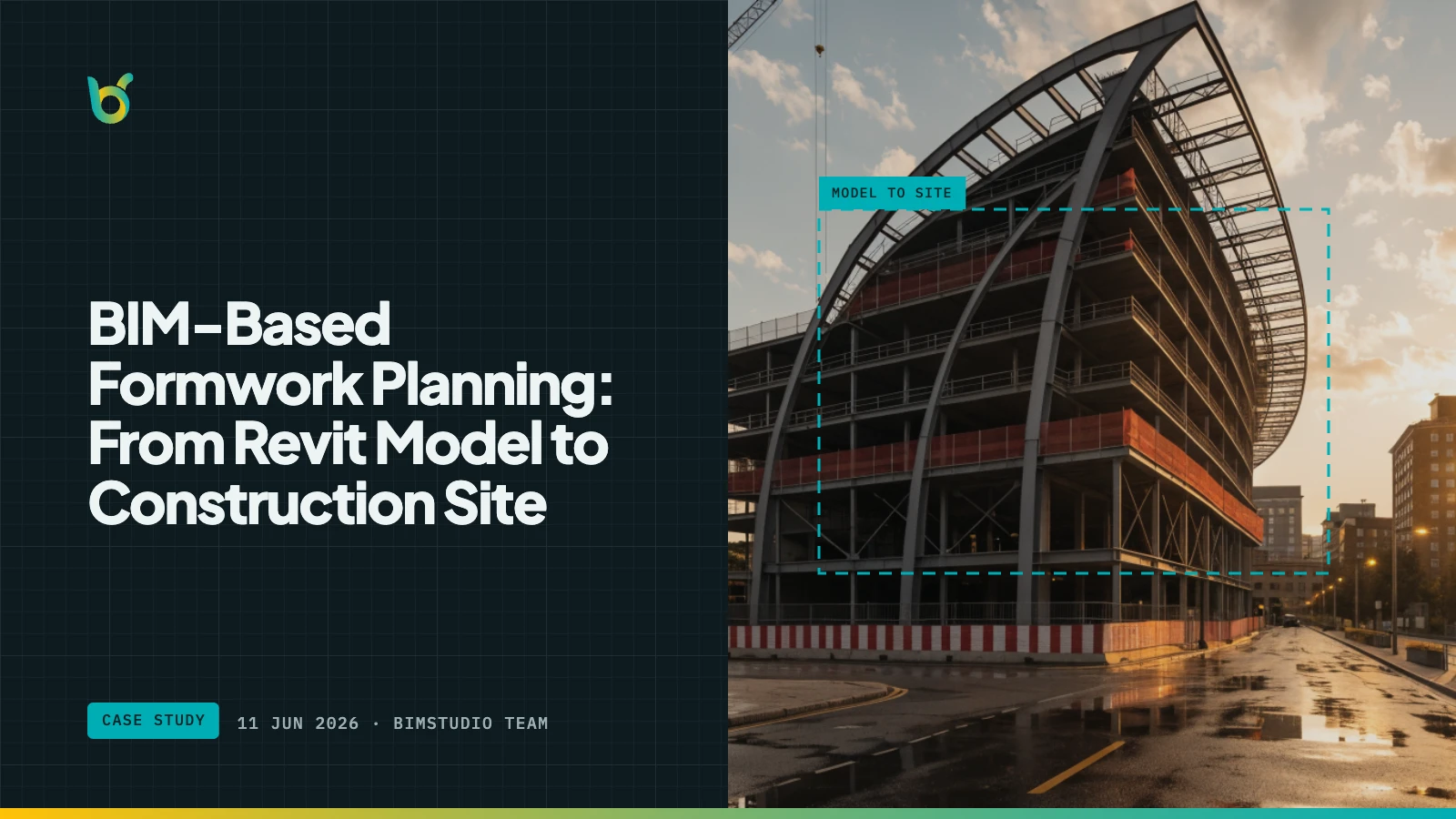
There is a persistent gap in most construction projects between the BIM model and the site formwork plan. The structural engineer models beams, columns, slabs, and walls in Revit with precision. The formwork contractor plans panel layouts, crane lifts, and pour sequences on site. Between these two worlds sits a spreadsheet — usually maintained by the quantity surveyor — that attempts to translate model geometry into construction-ready formwork quantities.
This article describes how BIM-based formwork planning closes that gap, turning the Revit model into the single source of truth for formwork procurement, reuse planning, and labor allocation.
The traditional workflow and its weak points
In a typical project, formwork planning follows this sequence:
- Structural design — the engineer creates the Revit model
- Quantity takeoff — the QS extracts formwork area from drawings or model measurements
- Procurement — the formwork manager orders or rents materials based on the QTO
- Site planning — the site team plans pour sequences and formwork cycling based on experience
- Execution — formwork is erected, concrete is poured, formwork is stripped and moved
The weak link is step 2. When the QTO is performed manually — by measuring drawings or applying rule-of-thumb deductions to Revit surface areas — the numbers that flow into procurement and site planning carry embedded errors. These errors propagate silently through every downstream decision.
What breaks
- Procurement orders the wrong quantity. Too much formwork ties up rental budget. Too little causes emergency procurement at premium prices.
- Reuse plans assume wrong cycle sizes. If the formwork set is sized for 1,200 m² but the actual per-floor requirement is 1,050 m², the site stores excess panels every cycle. If it is 1,350 m², the site runs short every cycle.
- Labor estimates miss the mark. Formwork erection and stripping labor is estimated per m². An 8% formwork area error translates directly to an 8% labor planning error.
What BIM-based formwork planning looks like
BIM-based formwork planning means the formwork quantities come directly from the model — not from a manually maintained spreadsheet. The process:
- Model — structural elements are modeled in Revit as usual
- Calculate — BIMStudio's Formwork plugin computes net formwork area for every element, accounting for embedded faces, and writes the result to model parameters
- Schedule — Revit schedules organize formwork data by level, zone, category, and element type
- Export — structured formwork quantities are exported to Excel or read directly from the model
- Plan — procurement, reuse, and labor planning work from model-derived numbers
- Update — when the design changes, re-running the plugin refreshes all downstream data
The critical difference: no manual translation step between model and quantities. The formwork data is generated from geometry, stored in the model, and stays synchronized with every design change.
Procurement planning with model data
Accurate formwork data enables precise procurement:
Material quantity by system type
Different structural elements use different formwork systems. A schedule from the Formwork plugin can be grouped by element category to produce procurement lists by system type:
| Formwork system | Elements | Total area | Rental rate | Monthly cost |
|---|---|---|---|---|
| Table formwork (slab soffit) | Floors | 4,200 m² | $22/m²/month | $92,400 |
| Beam formwork | Structural Framing | 3,100 m² | $18/m²/month | $55,800 |
| Column formwork | Structural Columns | 1,400 m² | $20/m²/month | $28,000 |
| Wall/panel formwork | Walls | 1,800 m² | $16/m²/month | $28,800 |
| Total | 10,500 m² | $205,000/month |
Each line item goes to a different supplier or rental company. Accurate per-system quantities prevent the over/under-ordering that plagues manually estimated projects.
Delivery scheduling by level
When the schedule is grouped by level and construction phase, the procurement team knows exactly when each formwork quantity is needed:
- Phase 1 (Months 1–3): Foundation + Level 1 — 1,490 m² total, heavy on wall formwork (280 m²) and column formwork (280 m²)
- Phase 2 (Months 4–14): Typical floors — 1,030 m²/floor, consistent set that cycles between floors
- Phase 3 (Months 15–16): Roof + parapets — 500 m² with reduced column and wall formwork
This phased breakdown allows the formwork manager to schedule deliveries precisely, avoiding the common problem of renting the full building's formwork set from day one.
Formwork reuse planning
Formwork reuse — cycling the same panels between floors — is the single largest lever for reducing formwork cost. Effective reuse planning requires knowing three things:
- How much formwork is needed per floor? The peak floor determines the set size.
- Are floors identical or do they vary? Identical floors allow direct reuse; varying floors require set modification.
- What is the cycle time? How quickly formwork can be stripped, cleaned, and re-erected determines how many sets are needed simultaneously.
The Formwork plugin answers questions 1 and 2 directly from the model. By comparing per-level schedules, the formwork manager identifies:
- Identical typical floors where one set reuses without modification
- Transition floors where the set needs additions or subtractions
- Peak floors that determine the minimum rental quantity
Example reuse analysis
From a 15-story building's formwork schedule:
| Level | Total formwork (m²) | vs. typical floor |
|---|---|---|
| Level 1 (ground) | 1,180 | +15% (larger columns, transfer beams) |
| Levels 2–12 (typical) | 1,025 | Baseline |
| Level 13 (setback) | 890 | −13% (reduced floor plate) |
| Level 14 | 870 | −15% |
| Roof | 520 | −49% |
Reuse strategy: Rent 1,180 m² for Level 1. Return ~155 m² after Level 1 pour. Cycle 1,025 m² set through Levels 2–12 (11 reuses). Return additional panels progressively for upper floors.
Without accurate per-level data, this optimization is not possible. Teams either rent the maximum throughout (wasting money) or rent the average (running short on peak floors).
Labor planning
Formwork erection and stripping are among the most labor-intensive activities on a concrete construction site. Labor requirements scale directly with formwork area:
| Activity | Productivity rate | For 1,025 m² (typical floor) |
|---|---|---|
| Slab formwork erection | 0.8–1.2 hours/m² | 350–500 labor-hours |
| Beam formwork erection | 1.0–1.5 hours/m² | 310–470 labor-hours |
| Column formwork erection | 0.6–1.0 hours/m² | 96–160 labor-hours |
| Stripping all formwork | 0.3–0.5 hours/m² | 310–510 labor-hours |
| Total per floor | 1,066–1,640 labor-hours |
An 8% error in formwork area — common with manual estimation — produces 85–130 labor-hours of planning error per floor. Over 12 typical floors, that is 1,020–1,560 labor-hours of cumulative variance — enough to disrupt the construction schedule.
The feedback loop: site to model
BIM-based formwork planning also works in reverse. When the site team discovers that a particular formwork approach requires more or fewer panels than estimated, that feedback informs future projects:
- Actual vs. estimated formwork area — comparing plugin output to site measurement validates the calculation method
- Element types with highest variance — identifies where the model needs refinement (e.g., complex joints that the geometry analysis handles differently than site practice)
- Reuse efficiency — tracking actual reuse cycles against planned cycles refines future reuse assumptions
This feedback loop is only possible when the original estimate is model-derived and element-level. A lump-sum manual estimate cannot be decomposed for comparison.
Keep reading
- How to Create Formwork Schedules in Revit by Level and Zone
- How Formwork Revit Plugins Cut Costs and Save Time
- Formwork Estimation for High-Rise Buildings: Why Automation Matters Most
Get started
The BIMStudio Formwork plugin is available on the Autodesk App Store at $10/month or $100/year.
Get Formwork on the Autodesk App Store
Ready to connect your BIM model to your formwork planning workflow? Contact the BIMStudio team at [email protected] or visit bimstudio.com.vn.