
- Revit
- Formwork
- High-Rise
- Construction
- BIM Automation
Formwork Estimation for High-Rise Buildings: Why Automation Matters Most
High-rise concrete buildings amplify every formwork estimation error. Learn why automated formwork calculation becomes essential at scale and how to manage formwork across 20+ floors.
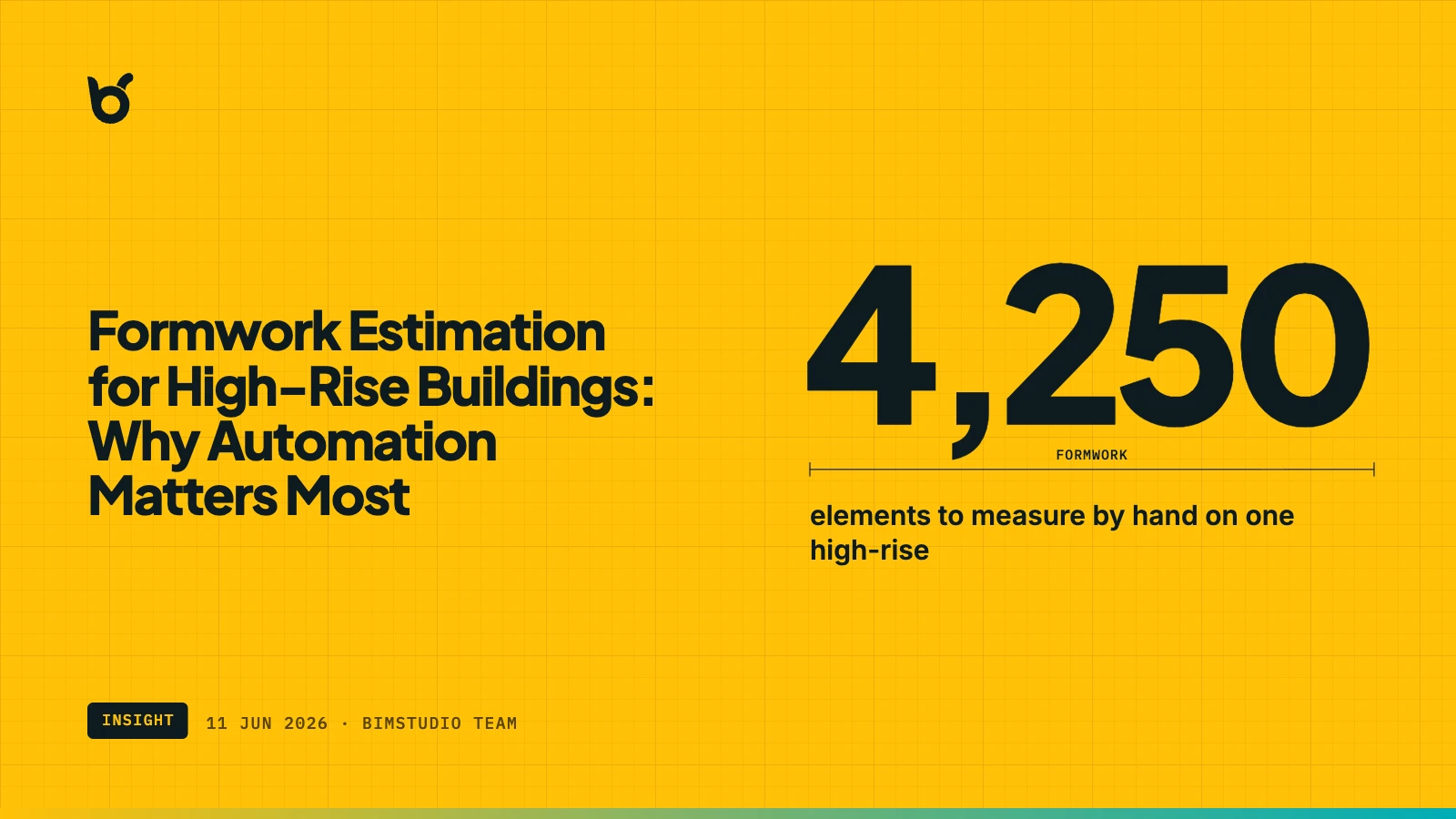
A 5-story building with a formwork estimation error is a budget inconvenience. A 30-story building with the same percentage error is a financial crisis. High-rise construction amplifies every weakness in the formwork estimation process — not linearly, but compoundingly. More floors mean more elements, more design revisions, more coordination between trades, and more opportunities for the estimate to diverge from reality.
This article examines why formwork estimation is fundamentally harder in high-rise concrete buildings, and why automation shifts from "nice to have" to "operationally necessary" as building height increases.
The scale problem
Consider the formwork scope of a typical 25-story reinforced concrete residential tower:
| Element type | Per floor | 25 floors | Formwork area/floor | Total formwork area |
|---|---|---|---|---|
| Beams | 60–100 | 1,500–2,500 | 300–500 m² | 7,500–12,500 m² |
| Columns | 30–50 | 750–1,250 | 120–200 m² | 3,000–5,000 m² |
| Slabs | 1–3 | 25–75 | 350–600 m² | 8,750–15,000 m² |
| Walls/Cores | 10–20 | 250–500 | 150–300 m² | 3,750–7,500 m² |
| Total | 2,500–4,250 | 23,000–40,000 m² |
A quantity surveyor calculating formwork area manually for this building is processing 2,500 to 4,250 individual elements, each with unique embedded face conditions depending on adjacent geometry. At 2–3 minutes per element for careful manual calculation, the initial QTO takes 80–200 hours.
Now multiply by 3–4 design revisions during the documentation phase. The formwork estimation effort alone consumes 240–800 hours — a significant portion of the entire QS team's capacity.
Why errors compound at height
Structural variation between floors
High-rise buildings are not uniform extrusions. The structural system typically varies significantly:
- Transfer levels — where the structural grid changes, introducing transfer beams with dramatically different formwork profiles
- Setback floors — where the building footprint reduces, changing slab edges and perimeter beam formwork
- Mechanical floors — with thicker slabs, additional openings, and non-standard beam configurations
- Podium-to-tower transition — where columns redistribute and shear walls change configuration
Each transition zone has unique formwork geometry. Manual estimation that assumes "typical floor × number of floors" misses these variations entirely. The error compounds because the atypical floors often have the most expensive formwork requirements.
Core wall complexity
High-rise buildings rely on reinforced concrete cores for lateral stability. These cores contain elevator shafts, stair wells, and mechanical risers — all of which create complex interior formwork conditions:
- Interior faces of core walls require formwork
- Coupling beams between core walls require formwork on bottom and sides
- Slab penetrations through the core create additional edge formwork
- Core geometry often changes at mechanical levels
Manually calculating core wall formwork is extremely tedious because the intersecting geometry is three-dimensional and irregular. Rule-of-thumb deductions based on wall area consistently underestimate core formwork for the interior faces and overestimate for the exterior faces where core walls connect to slabs.
Linked model coordination
High-rise projects almost always use federated BIM models. The structural model is developed by the structural engineer, linked into the architect's coordination model, and referenced by the contractor's construction model. Formwork calculations that only process elements in the active model miss everything in linked files.
For a high-rise project, the structural engineer's model might contain the tower structure, while the basement structure sits in a separate linked model. Missing the basement formwork — which often includes large mat foundations and deep retaining walls — can undercount total formwork by 15–25%.
The revision multiplier
Design revisions have a disproportionate impact on high-rise formwork estimation:
Low-rise building (5 floors):
- 3 design revisions
- Manual re-estimate: 3 × 15 hours = 45 hours additional work
- Manageable within the project schedule
High-rise building (25 floors):
- 3 design revisions (affecting different floor ranges each time)
- Manual re-estimate: 3 × 80 hours = 240 hours additional work
- Equivalent to 6 weeks of full-time QS effort on formwork alone
In practice, teams facing this workload do not re-estimate. They apply percentage adjustments to the original estimate — "beam depths increased 10%, so add 10% to beam formwork." This approximation introduces cumulative errors because formwork area does not scale linearly with element dimensions. A 10% increase in beam depth produces more than 10% increase in formwork area because the side faces grow while the bottom face stays the same.
How automation changes the equation
BIMStudio's Formwork plugin for Revit processes the entire building in minutes, regardless of height:
| Operation | 5-story building | 25-story building |
|---|---|---|
| Initial formwork calculation | 5–10 minutes | 15–30 minutes |
| Visual verification | 30–60 minutes | 2–3 hours |
| Design revision re-run | 5–10 minutes | 15–30 minutes |
| Revision verification (spot-check) | 15–30 minutes | 30–60 minutes |
| Total for 3-revision project | 2–3 hours | 5–8 hours |
| Manual equivalent | 60–90 hours | 320–1,000 hours |
The time savings scale with building height. For a 25-story building, automation saves 300–990 hours of QS time per project — enough to justify the plugin cost thousands of times over.
Accuracy at every level
The plugin processes each element individually, calculating embedded face deductions from actual geometry. This means:
- Transfer beams get accurate formwork area reflecting their unique size and connections
- Core walls get correct interior/exterior face calculations
- Setback floors get proper perimeter beam formwork accounting
- Linked model elements are included automatically
There is no "typical floor" assumption. Every floor is calculated from its actual geometry.
Instant revision response
When the structural engineer changes the core wall layout at levels 15–20, re-running the plugin takes 15–30 minutes — not 80 hours. The project manager sees updated formwork quantities the same day the design change is issued, enabling informed procurement decisions before the next scheduled order.
Financial impact at high-rise scale
For a 25-story building with 30,000 m² of net formwork area:
| Scenario | Formwork area reported | Error | Annual impact at $20/m²/month |
|---|---|---|---|
| No re-estimate after revision | 30,000 m² ± 15% | ±4,500 m² | ±$1,080,000/year |
| Manual re-estimate with corrections | 30,000 m² ± 8% | ±2,400 m² | ±$576,000/year |
| Plugin-based calculation | 30,000 m² ± 2% | ±600 m² | ±$144,000/year |
The difference between manual and automated estimation saves $430,000–$936,000 per year in procurement accuracy — on a single project.
When to automate
The short answer: any project with more than 3 typical floors benefits from automated formwork calculation. The ROI increases with:
- Building height — more floors = more elements = more time saved
- Structural complexity — transfer levels, setbacks, and irregular cores amplify manual error
- Revision frequency — projects with active design development benefit most from instant re-calculation
- Tight procurement schedules — when formwork orders must be placed early, accuracy prevents costly change orders
For high-rise projects specifically, automated formwork estimation is not an optimization — it is a prerequisite for reliable cost control.
Keep reading
- How Formwork Revit Plugins Cut Costs and Save Time
- Automating Formwork Quantity Takeoff in Revit: A Complete Guide
- How to Create Formwork Schedules in Revit by Level and Zone
Get started
The BIMStudio Formwork plugin is available on the Autodesk App Store at $10/month or $100/year.
Get Formwork on the Autodesk App Store
Working on a high-rise project and need accurate formwork quantities? Contact the BIMStudio team at [email protected] or visit bimstudio.com.vn.